
AI answering service for dental offices
ForkX answers your practice's phone when the front desk is busy, at lunch, and after hours. It books new patients and cleanings into your calendar, answers insurance questions, and sends emergencies to your on-call dentist.
No credit card required. Works with your existing business number.
A day of calls to Maple Street Dental
- 7:10 a.m.
Cracked a tooth last night
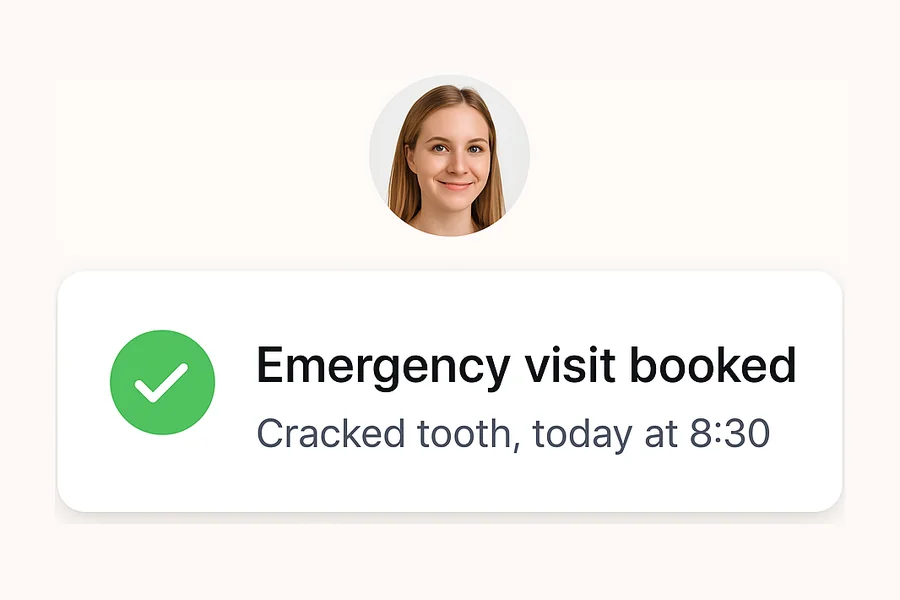
- 9:45 a.m.
Is my insurance accepted?
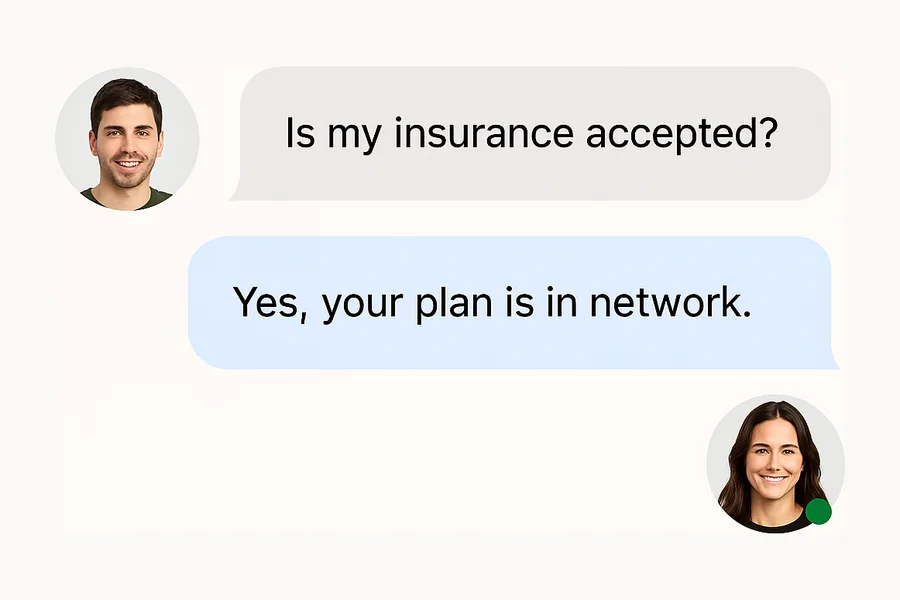
- 12:20 p.m.
New patient, needs a cleaning
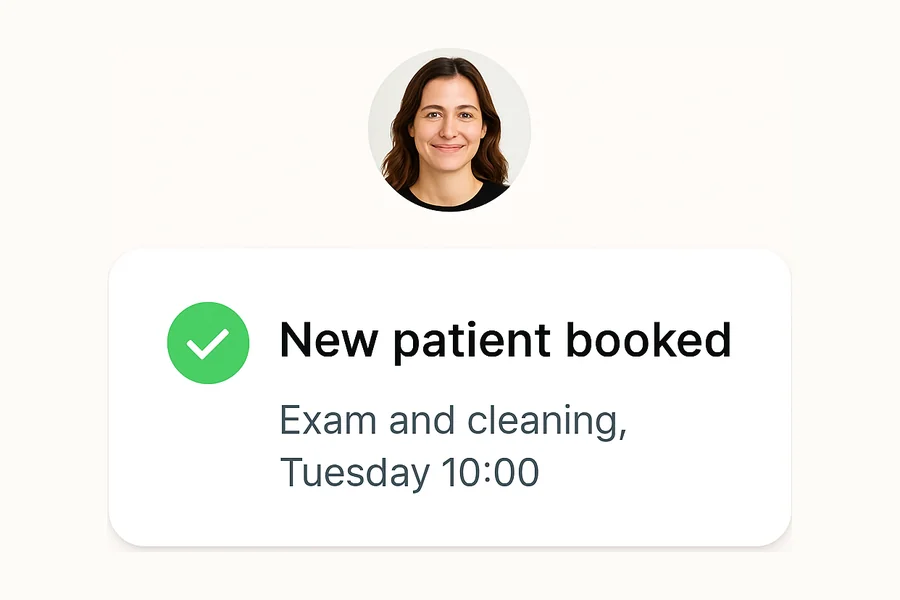
- 3:05 p.m.
Needs to move an appointment
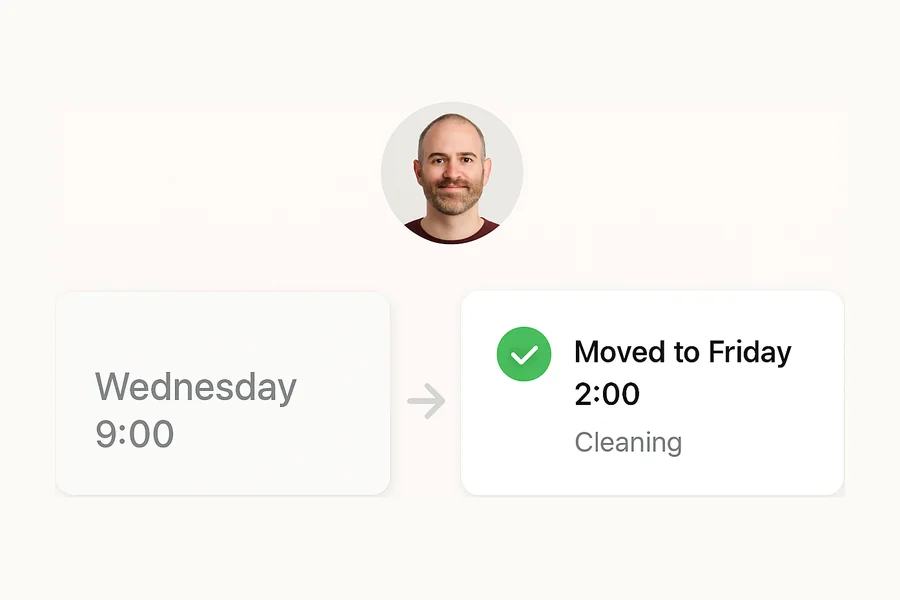
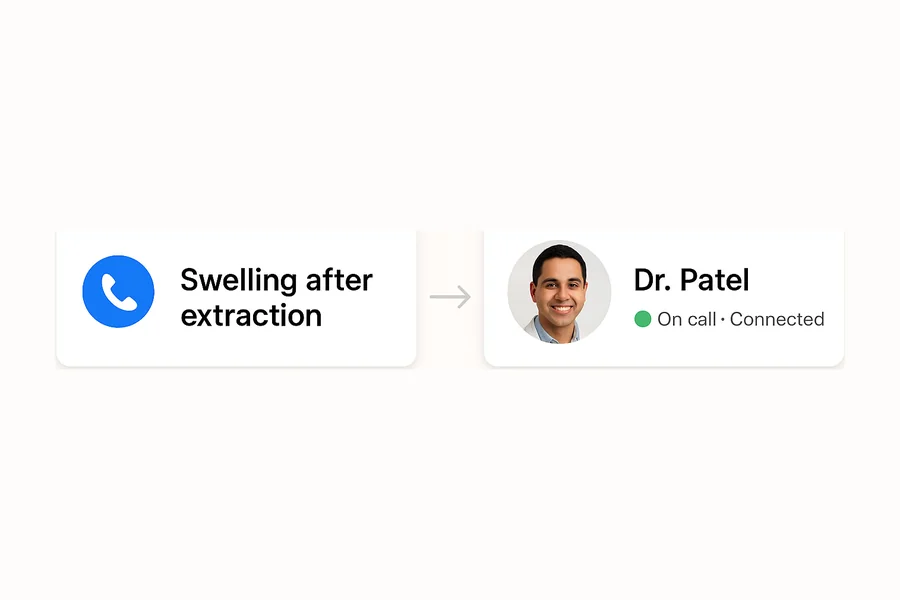
- 6:40 p.m.
Swelling after an extraction
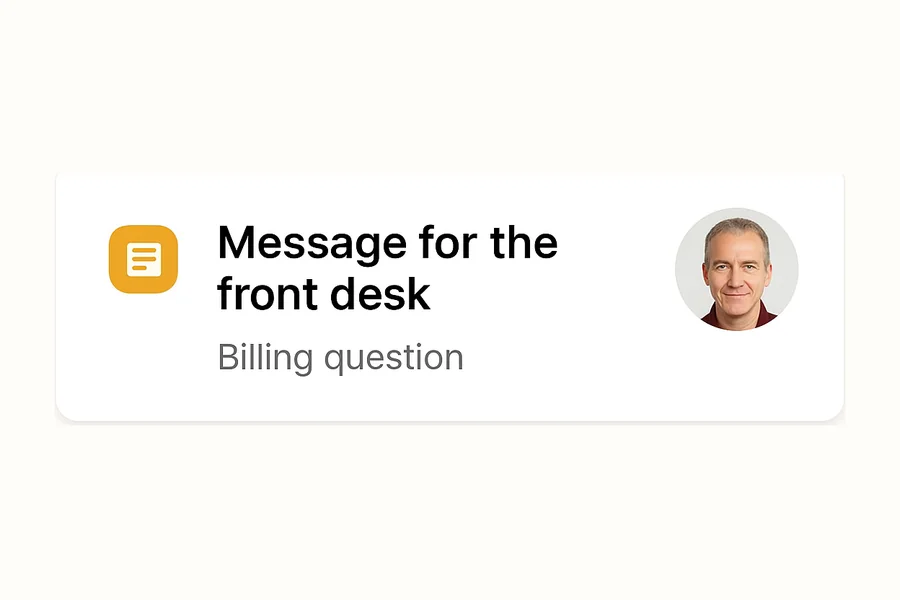
- 9:15 p.m.
Question about a bill
Answers new-patient, insurance, and scheduling calls
Books into Google Calendar and can text a reminder the day before
Transfers after-hours emergencies to your on-call dentist
What happens to each dental call
You decide what ForkX does with each kind of call. A typical setup for a dental business looks like this.
| When a caller has | ForkX | What happens |
|---|---|---|
| Toothache or a cracked tooth during office hours | Books | Offers your next emergency slot and books it |
| Swelling, fever, or trauma after hours | Transfers | Asks your triage questions, then connects your on-call dentist |
| A new patient | Books | Collects their insurance and reason for the visit, then books an exam |
| A patient who needs to reschedule | Books | Finds the appointment, checks who's calling, and moves it |
| A question about insurance, hours, or parking | Answers | Replies from the plans and policies you entered |
| A billing question | Takes a message | Writes it up for your front desk |
| A robocall or sales pitch | Ends the call | Hangs up, and the call doesn't count toward your minutes |
Your front desk stays with the patient in front of them
When the phone rings during check-in, ForkX answers it. It books routine visits, answers questions about insurance and parking from what you've entered, and writes up everything else for your team to handle between patients.
- Picks up when your line is busy, or answers every call
- Answers questions about hours, parking, forms, and accepted plans
- Saves a summary, transcript, and recording of each call
New patients book on the first call
New patients often call at lunch or after work. ForkX collects their insurance and reason for the visit, offers open times from your Google Calendar, and books the exam. The patient gets a text confirmation and, if they agree, a reminder text the day before.
- Books into Google Calendar during the call
- Texts a reminder 24 hours before the visit if the patient agrees
- Moves or cancels appointments after checking who's calling
Dental emergencies follow your rules
You decide what counts as an emergency: swelling, fever, a knocked-out tooth, or bleeding that won't stop. ForkX asks those questions, books a same-day slot during office hours, and transfers the call to your on-call dentist after hours.
- Asks the triage questions you approve
- Transfers after-hours emergencies to your on-call number
- Reads only the care instructions you write
What ForkX asks dental callers
You choose the questions. These are the ones dental businesses start with, and every answer lands in the call summary.
- Whether they're a new or existing patient
- What's bothering them, and since when
- Pain level, swelling, bleeding, or fever
- Their insurance carrier and plan
- The days and times that work for them
- The best callback number
Set up ForkX in three steps
- Step 1
Forward your number
Keep the number your customers know. Forward every call, or only after-hours and overflow calls, to ForkX.
- Step 2
Write your rules
Describe in plain language what counts as a dental emergency, who's on call, which jobs to book, and which prices callers can hear.
- Step 3
Place a test call
Call your own line, try an emergency and a routine request, and adjust the rules before a customer calls.
AI and live dental answering services compared
A live answering service puts an operator on the line. ForkX answers with AI and hands calls to your team when your rules say so.
| Topic | ForkX | Live answering service |
|---|---|---|
| Calls at the same time | Answers as many as come in | Depends on how many operators are on shift |
| Booking | Books into Google Calendar during the call | Varies by service, often a message for you to return |
| Emergencies | Follows rules you write and transfers to your on-call number | Follows a script you provide |
| Call records | Transcript, recording, and summary for each call | Message notes, which vary by service |
| Pricing | Free plan, then $30 or $100 a month with included minutes | Usually billed per minute or per call |
| Calls that need a person | Transfers them to your team | An operator handles them |
Questions about AI receptionists for dental offices
What is an AI dental answering service?
An AI dental answering service answers your practice’s phone, books appointments, answers insurance and policy questions, and routes emergencies. It picks up when the front desk is busy or closed, so patients reach someone instead of voicemail.
Can it book new patient appointments?
Yes. ForkX can collect a new patient's contact information, insurance details, reason for the visit, and preferred time, then book the appointment directly into your calendar and send a confirmation text.
Does it work after hours and on weekends?
Yes. ForkX answers calls at night, on weekends, and during lunch breaks. It can book appointments, take messages, or transfer true dental emergencies to your on-call dentist based on rules you set.
Can it handle insurance questions?
Yes. You can add the insurance plans you accept, coverage policies, and pre-qualification questions to ForkX's knowledge base. It answers routine questions and flags complex cases for your team.
What happens when a patient has a dental emergency?
You define what counts as an emergency. ForkX can ask about pain level, swelling, trauma, or bleeding, then transfer the call to your emergency line or take a detailed message with context.
Can it send appointment reminders?
Yes. ForkX texts a reminder 24 hours before each appointment it books, if the patient agreed to texts. It doesn't run recall campaigns for patients who are due for a cleaning.
Is patient data handled securely?
For each call, ForkX saves the recording, a transcript, a summary, the caller's name and number, and any appointment it booked. It also keeps text messages with patients and the documents you upload to its knowledge base. On ForkX Cloud, that data lives on our servers, and recordings are deleted after 90 days. Twilio and OpenAI also process the call audio while the call is live. If your practice is covered by HIPAA, you can self-host ForkX so the data stays on your own servers. Check the setup with your compliance officer before you take patient calls.
Will it integrate with my practice management software?
Not directly. ForkX books into Google Calendar and doesn't connect to practice management software like Dentrix or Open Dental, so your team copies new bookings into your PMS.
Can it reschedule or cancel appointments?
Yes. ForkX can handle simple rescheduling and cancellations when your rules allow it. Complex changes, especially same-day swaps, can be routed to your front desk with the patient's details attached.
How much does it cost for a dental practice?
The free plan includes 30 voice minutes for testing, without a phone number. Starter costs $30 a month for 150 minutes and a dedicated number, and Pro costs $100 a month for 500 minutes. Spam calls and calls under 10 seconds don't count.